Introduction
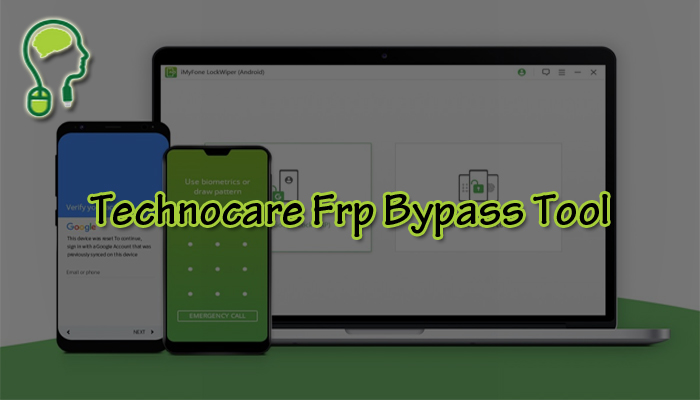
In this digital age, smartphones have become an indispensable part of our lives. However, with the increasing security measures, it is not uncommon to encounter FRP (Factory Reset Protection) locks that can be quite frustrating when you forget your Google account credentials. Technocare FRP Bypass Tool comes to the rescue, providing a simple and effective solution to bypass FRP locks and regain access to your device. This article will explore the features, benefits, and step-by-step guide to using the Technocare FRP Bypass Tool.
What is FRP, and Why Do You Need to Bypass it?
Understanding Factory Reset Protection (FRP)
Factory Reset Protection is a security feature introduced by Google to protect user data in case a device is lost, stolen, or factory reset without proper authorization. When FRP is enabled, the device requires the user’s Google account credentials to be entered after a factory reset to ensure the device’s legitimate ownership. While this feature is essential for protecting data, it can become troublesome when you need to remember the account details.
The Need for Bypassing FRP Locks
Forgetting your Google account credentials can happen to anyone, and when it does, bypassing the FRP lock becomes crucial to regain access to your smartphone. Technocare FRP Bypass Tool offers a reliable method to overcome this obstacle without compromising the security of your device.
The Features and Benefits of Technocare FRP Bypass Tool
1. User-Friendly Interface
The Technocare FRP Bypass Tool boasts a user-friendly interface, making it accessible even to those with limited technical knowledge. The tool simplifies the FRP bypass process with intuitive controls and clear instructions.
2. Wide Device Compatibility
One of the standout features of the Technocare FRP Bypass Tool is its compatibility with a vast range of Android devices. This tool covers you whether you own a Samsung, LG, HTC, or any other Android smartphone.
3. Quick and Effective Bypass
Gone are the days of waiting for hours to bypass FRP locks. The Technocare FRP Bypass Tool is designed to deliver quick and efficient results, saving you time and frustration.
4. Safety and Security
When it comes to bypassing FRP locks, security is of utmost importance. Technocare ensures that your data and device remain safe throughout the bypassing process.
How to Use Technocare FRP Bypass Tool
Step 1: Download Technocare FRP Bypass Tool
Download the Technocare FRP Bypass Tool from the official website or a trusted source to begin the process.
Step 2: Enable USB Debugging
Next, enable USB debugging on your Android device by going to Settings > Developer Options > USB Debugging. If Developer Options are not visible, go to Settings > About Phone > Tap on “Build Number” multiple times until you see the message “You are now a developer.”
Step 3: Connect Your Device to PC
Connect your Android device to your PC using a compatible USB cable.
Step 4: Run the Technocare FRP Bypass Tool
Once your device is connected, run the Technocare FRP Bypass Tool on your PC.
Step 5: Bypass FRP Lock
Follow the on-screen instructions provided by the tool to bypass the FRP lock successfully.
Conclusion
In conclusion, Technocare FRP Bypass Tool is a reliable and user-friendly solution to overcome FRP locks on Android devices. Its wide device compatibility, quick operation, and emphasis on security make it an essential tool for anyone facing FRP lock issues. With Technocare FRP Bypass Tool at your disposal, regaining access to your smartphone becomes a breeze.
FAQs
Q1. Is Technocare FRP Bypass Tool safe to use?
Yes, Technocare FRP Bypass Tool prioritizes the safety and security of user data and devices. It does not compromise the integrity of your device during the FRP bypass process.
Q2. Can I use Technocare FRP Bypass Tool on any Android device?
Technocare FRP Bypass Tool is compatible with a wide range of Android devices, including popular brands like Samsung, LG, and HTC.
Q3. Is Technocare FRP Bypass Tool a free tool?
Yes, Technocare FRP Bypass Tool is available for download on the official website.
Q4. Can beginners use the Technocare FRP Bypass Tool?
Absolutely! Technocare FRP Bypass Tool features a user-friendly interface, making it accessible and easy to use, even for beginners.
Q5. Does using Technocare FRP Bypass Tool void the device warranty?
No, using Technocare FRP Bypass Tool does not void your device warranty. It does not alter the device’s system files or void warranty agreements.